
CMS Guide
Table of Contents
- Style Management
- CMS Page Templates
- Working With Custom HTML Modules' Content Editors (WYSIWYG)
- General Tips/Advice for CMS Users
- Additional Notes
- Section Guide
Style Management
The following labels refer to styling options/classes in the "STYLE" dropdown menu located in the toolbar in every Custom HTML Module's content editor.
Headlines:
Headline XXL
Headline 1
Headline 2
Headline 3
Headline 4
Body copy 18px TradeGothicLTPro-Bold
Lorem ipsum dolor sit amet, consectetur adipiscing elit. Vivamus laoreet, purus sed viverra finibus, ligula sapien pretium nisi, at facilisis augue leo et nisl. Proin vulputate, lectus in aliquam fermentum, justo felis luctus odio, ac fermentum ex ligula ac justo. Sed a nibh in odio pulvinar vehicula nec vel purus. Nullam pharetra metus eget odio gravida, non convallis justo hendrerit.
Fonts:
font-TradeGothic
font-TradeGothic-Italic
font-TradeGothic-Light
font-TradeGothic-LightItalic
font-TradeGothic-Bold
font-TradeGothic-BoldItalic
font-TradeGothic-BoldCondTwenty
font-TradeGothic-BoldCondTwentyItalic
font-TradeGothic-Condensed
font-TradeGothic-CondensedItalic
font-TradeGothic-StdExtended
font-TradeGothic-StdBoldExtended
Default pallet
#000000 Black
#ffffff White
#cccccc Accent
#535456 Text
#cc0000 Red
Brand colors
#007eb9 Blue
#84c5ed Soft Blue
#c8e2f7 Pale Blue
#37a8e0 Light Blue
#00559d Deep Blue
#002e63 Dark Blue
Primary Gradient
Links
Link BlueLink DarkBlue
Link Blue Chevron
Link DarkBlue Chevron
Buttons
CMS Page Templates
What CMS page templates are available to create new pages with?
The following CMS page templates are available in the "CMS Primary Theme" theme:
Working With Custom HTML Modules' Content Editors (WYSIWYG)
How do I replace placeholder ("lorem ipsum") or unwanted text content?
The content editor can be finicky. To replace placeholder or unwanted text, we recommend that you first click the “BLOCKS” button in the toolbar to reveal outlines surrounding block-level elements. Then, select the text you wish to replace and type in your desired text. Or, you can place your cursor at the end of the text you want to replace, add your desired text, and then select and delete the placeholder text preceding it. We do NOT recommend selecting all placeholder text in the editor and deleting it before you add your desired content. As a result you may accidentally erase necessary markup that the content depends on. It is always best to edit text elements one at a time rather than deleting everything you don’t want from the start.
Can I copy/paste from other sources?
Be very careful when copy/pasting text content from other sources into a Custom HTML module's content editor. When copying from an external document, take steps to ensure the text you are copying is plain text (as opposed to rich text.) When copying from a web page, make sure you are ONLY including text and not actual HTML tags (<p>, <br>, etc.) as this could result in unintended styling/format inconsistencies.
How do I change the appearance of text content (color, font size, etc)?
The “STYLE” dropdown in the toolbar can be used to edit the styling/appearance of content. Keep in mind that when you add a style from the dropdown, it does not overwrite other styles previously applied to the element. This allows greater flexibility in cases where you may need more than one syle applied, but you will need to remember to uncheck undesired styles after applying them.
Please refer to Style Management for examples of classes/styles you may apply.
Keep in mind that changing the appearance or styles of text should be done SPARINGLY - for the sake of consistency across pages, it is best to stick with the module's default styling whenever possible.
How do I add/edit a link?
The "insert/edit link" button in the toolbar is used to create and modify links:
- To create a new link, type your desired link text within the content editor, select it, and then click the "insert/edit link" button. This may be tricky if you're creating a new link next to an already-existing link. To do this, place your cursor at the end of the existing link's text and then press the right arrow key, so your cursor is outside the existing link. Then, type the new link's text, select it and click the "insert/edit link" button.
- To modify an existing link, click into the middle of the link text within the content editor, then click the "insert/edit link" button.
How do I add/edit an image?
The "asset picker" button in the toolbar allows you to add images into the content editor. To modify an existing asset, click the asset and then click the "asset picker" button. Not all custom HTML modules were made with the intent to have an image placed in them. (Tip: If your default placeholder content did not contain an image, you should avoid adding one with this tool.)
Note: If you're including an image in a Custom HTML module, remember to consider the image alt text (which is editable through the "asset picker" button), and include a value when necessary. For more details, see "Do I need to update/include alt text for every image?" in General Tips/Advice for CMS Users.
How do I add a code snippet?
The "insert code snippet" button in the toolbar adds pre-made snippets of code into the content editor. Note that code snippets are primarily (but not always) used as a way to revert either the entire content of a Custom HTML Module to its default state, or to revert a part of its content to its original state. For example, if you accidentally delete the headline and byline at the top of the Custom HTML Module included in Section 1, you can use a code snippet to add it back in. In most cases you will not need to use code snippets unless you're attempting to "fix" a module (i.e. bring back original content which was since removed.)
General Tips/Advice for CMS Users
How can I ensure that my content will be accessible to all users?
Be sure to follow all recommendations and instructions given in this guide, particularly the recommendations involving link text, image alt text, and heading levels. To learn more about accessibility, please see Accessibility for Radancy CMS Publishers.
Additional Notes
How can I add to or update the notes to this section?
Find this section (title: "CMS Guide Info") in your section list and edit its "CMS Guide Info - Copy" module to add as many notes as you'd like right here. Be careful to not delete any of the content above or below your notes!
Section Guide
Before using a section from this guide, please read the corresponding documentation for that section. Documentation is found above each section in this guide, on a black background.
Note that section titles are color coded based on which menu they can be found in after clicking the "add section" button on any page:
Red - find this section in the "Use Existing" Menu.
Green - find this section in the "Add New" Menu.
Keep in mind that when you edit a section from the "Use Existing" Menu, you are editing every instance of that section. Sections added via the "Add New" Menu are safe to be edited freely, as a new instance of the section is created everytime it is added to a page.
Search Form Full-width (Section 1)
CP Banners - Image Background (Section 2)
Suggested Use: Content Page Banner
Image Size and Quality: Users can upload images. Ensure images are of high quality and optimized for web use.
For mobile devices, recommended sizes are 750x1334 (9:16 ratio)
For desktop, recommended sizes are 1920x1080 (16:9 ratio) and 1280x720 (16:9 ratio).
Code Snippet:
- CMS - Section 2 - Copy
Lorem Ipsum qui dolorem

CP Banner - Blue Gradient Background (Section 2a)
Suggested Use: Content Page Banner
Image Size and Quality: Users can upload images. Ensure images are of high quality and optimized for web use.
For mobile devices, recommended sizes are 750x1334 (9:16 ratio)
For desktop, recommended sizes are 1920x1080 (16:9 ratio) and 1280x720 (16:9 ratio).
Code Snippet:
- CMS - Section 2 - Copy
Lorem Ipsum qui dolorem
Image Background - Medical (Section 2b)
Suggested Use: Content Page Banner
Image Size and Quality: Users can upload images. Ensure images are of high quality and optimized for web use.
For mobile devices, recommended sizes are 750x1334 (9:16 ratio)
For desktop, recommended sizes are 1920x1080 (16:9 ratio) and 1280x720 (16:9 ratio).
Code Snippet:
- CMS - Section 2 - Copy
Lorem Ipsum qui dolorem
Hero - Medical (Section 3a)
Code Snippet:
- CMS - Section 3a - Content

#PlayInTheTopLeague
Job Alert - Medical (Section 4a)
TabCordion Jobs (Section 5)
Related Jobs (Section 5a)
-
Featured Jobs
Related jobs
- Process Development Engineer II - Catheters Fridley, United States Process Development Engineer II - Catheters
- HR Business & Data Analyst Saint Paul, United States HR Business & Data Analyst
- Market Strategy Senior Manager (m/f/d) Hanau, Germany Market Strategy Senior Manager (m/f/d)
- Finance Summer Intern Rolla, United States Finance Summer Intern
- Senior Product Development Engineer Fridley, United States Senior Product Development Engineer
Related Jobs (Section 5b)
-
Featured Jobs
Related jobs
- Process Development Engineer II - Catheters Fridley, United States Process Development Engineer II - Catheters
- HR Business & Data Analyst Saint Paul, United States HR Business & Data Analyst
- Market Strategy Senior Manager (m/f/d) Hanau, Germany Market Strategy Senior Manager (m/f/d)
- Finance Summer Intern Rolla, United States Finance Summer Intern
- Senior Product Development Engineer Fridley, United States Senior Product Development Engineer
TabCordion Jobs - Medical (Section 5c)
-
Featured Jobs Recently viewed jobs Saved Jobs
Jobs for you
- Auszubildender (m/w/d) Fachkraft für Lagerlogistik 2026 Wehrheim Wehrheim, Germany Auszubildender (m/w/d) Fachkraft für Lagerlogistik 2026 Wehrheim
- Regional Sales Manager - Arizona United States, Remote Regional Sales Manager - Arizona
- Customer Experience Representative Yardley, United States Customer Experience Representative
Spotlight Text 2 Col (Section 6)
Suggested Use: shorter copy
Code Snippet:
- CMS - Section 6 - Copy
- CMS - Section 6 - Heading
Lorem ipsum dolor sit amet
Lorem ipsum dolor sit amet, consectetur adipiscing elit. Sed eiusmod tempor incididunt ut labore et dolore magna aliqua. Ut enim ad minim veniam, quis nostrud exercitation ullamco laboris nisi ut aliquip ex ea commodo consequat. Duis aute irure dolor reprehenderit voluptate velit esse cillum dolore eu fugiat nulla pariatur.
Spotlight Text 2 Col - Medical (Section 6a)
Suggested Use: shorter copy
Code Snippet:
- CMS - Section 6 - Copy
- CMS - Section 6 - Heading
Lorem ipsum dolor sit amet
Lorem ipsum dolor sit amet, consectetur adipiscing elit. Sed eiusmod tempor incididunt ut labore et dolore magna aliqua. Ut enim ad minim veniam, quis nostrud exercitation ullamco laboris nisi ut aliquip ex ea commodo consequat. Duis aute irure dolor reprehenderit voluptate velit esse cillum dolore eu fugiat nulla pariatur.
2 Split - Right Image - Left Heading - Copy - CTA Button (Section 7)
Suggested Use: N/A
Image Size and Quality: Users can upload images. Ensure images are of high quality and optimized for web use.
For this section:
For mobile devices, we recommend 9:16 aspect ratio sizes like 750x1334 and 1080x1920.
For desktop, the recommended sizes are 960x540 and 1280x720, both maintaining the 16:9 ratio.
Text Content: Use the WYSIWYG to add and edit text content
Style Management: The style of text and buttons within this section can be customized through the WYSIWYG editor.
Accessibility: If the image is not purely decorative and convey a message, please provide a descriptive alt text for the image. This ensures accessibility for users with visual impairments, allowing screen readers to convey the content and context of the image effectively. For more information, refer to WCAG 2.1, Success Criterion 1.1.1: Non-text Content.
Headline (H2)
Lorem ipsum dolor sit amet, consectetur adipiscing elit, sed do eiusmod tempor incididunt ut labore et dolore magna aliqua. Ut enim ad minim veniam, quis nostrud exercitation ullamco laboris nisi ut aliquip ex ea commodo consequat. Duis aute irure dolor in reprehenderit in voluptate velit esse cillum dolore eu fugiat nulla in culpa qui officia deserunt mollit anim id est laborum. a commodo consequat.
2 Split - Left Image - Right Heading - Copy - CTA Button (Section 7a)
Suggested Use: N/A
Image Size and Quality: Users can upload images. Ensure images are of high quality and optimized for web use.
For this section:
For mobile devices, we recommend 9:16 aspect ratio sizes like 750x1334 and 1080x1920.
For desktop, the recommended sizes are 960x540 and 1280x720, both maintaining the 16:9 ratio.
Text Content: Use the WYSIWYG to add and edit text content
Style Management: The style of text and buttons within this section can be customized through the WYSIWYG editor.
Accessibility: If the image is not purely decorative and convey a message, please provide a descriptive alt text for the image. This ensures accessibility for users with visual impairments, allowing screen readers to convey the content and context of the image effectively. For more information, refer to WCAG 2.1, Success Criterion 1.1.1: Non-text Content.
Headline (H2)
Lorem ipsum dolor sit amet, consectetur adipiscing elit, sed do eiusmod tempor incididunt ut labore et dolore magna aliqua. Ut enim ad minim veniam, quis nostrud exercitation ullamco laboris nisi ut aliquip ex ea commodo consequat. Duis aute irure dolor in reprehenderit in voluptate velit esse cillum dolore eu fugiat nulla in culpa qui officia deserunt mollit anim id est laborum. a commodo consequat.
2 Split - Left Image - Right Heading - Copy - CTA Button - Medical (Section 7b)
Suggested Use: N/A
Image Size and Quality: Users can upload images. Ensure images are of high quality and optimized for web use.
For this section:
For mobile devices, we recommend 9:16 aspect ratio sizes like 750x1334 and 1080x1920.
For desktop, the recommended sizes are 960x540 and 1280x720, both maintaining the 16:9 ratio.
Text Content: Use the WYSIWYG to add and edit text content
Style Management: The style of text and buttons within this section can be customized through the WYSIWYG editor.
Accessibility: If the image is not purely decorative and convey a message, please provide a descriptive alt text for the image. This ensures accessibility for users with visual impairments, allowing screen readers to convey the content and context of the image effectively. For more information, refer to WCAG 2.1, Success Criterion 1.1.1: Non-text Content.
Code Snippet:
- CMS - Section 7 Copy (green button)
Headline (H2)
Lorem ipsum dolor sit amet, consectetur adipiscing elit, sed do eiusmod tempor incididunt ut labore et dolore magna aliqua. Ut enim ad minim veniam, quis nostrud exercitation ullamco laboris nisi ut aliquip ex ea commodo consequat. Duis aute irure dolor in reprehenderit in voluptate velit esse cillum dolore eu fugiat nulla in culpa qui officia deserunt mollit anim id est laborum. a commodo consequat.
Content box Left Full-width BG (Section 8)
Suggested Use: N/A
Image Size and Quality: Users can upload images. Ensure images are of high quality and optimized for web use.
For mobile devices, recommended sizes are 750x1334 (9:16 ratio)
For desktop, recommended sizes are 1920x1080 (16:9 ratio) and 1280x720 (16:9 ratio).
Text Content: Use the WYSIWYG to add and edit text content
Style Management: The style of text and buttons within this section can be customized through the WYSIWYG editor.
Accessibility: If the image is not purely decorative and convey a message, please provide a descriptive alt text for the image. This ensures accessibility for users with visual impairments, allowing screen readers to convey the content and context of the image effectively. For more information, refer to WCAG 2.1, Success Criterion 1.1.1: Non-text Content.
Headline (H2)
Lorem ipsum dolor sit amet, consectetur adipiscing elit, sed do eiusmod tempor incididunt ut labore et dolore magna aliqua. Ut enim ad minim veniam, quis nostrud exercitation ullamco laboris nisi ut aliquip ex ea commodo consequat. Duis aute irure dolor in reprehenderit in voluptate velit esse cillum dolore eu fugiat nulla in culpa qui officia deserunt mollit anim id est laborum. a commodo consequat.

Content box Right Full-width BG (Section 8a)
Suggested Use: Check Section 8
Headline (H2)
Lorem ipsum dolor sit amet, consectetur adipiscing elit, sed do eiusmod tempor incididunt ut labore et dolore magna aliqua. Ut enim ad minim veniam, quis nostrud exercitation ullamco laboris nisi ut aliquip ex ea commodo consequat. Duis aute irure dolor in reprehenderit in voluptate velit esse cillum dolore eu fugiat nulla in culpa qui officia deserunt mollit anim id est laborum. a commodo consequat.
Image - Copy - BG white 2 Col (Section 9)
Suggested Use: N/A
Image Size and Quality: Users can upload images. Ensure images are of high quality and optimized for web use.
Recommended minimum size is 564 × 342 px
Text Content: Use the WYSIWYG to add and edit text content
Style Management: The style of text and buttons within this section can be customized through the WYSIWYG editor.
Accessibility: If the image is not purely decorative and convey a message, please provide a descriptive alt text for the image. This ensures accessibility for users with visual impairments, allowing screen readers to convey the content and context of the image effectively. For more information, refer to WCAG 2.1, Success Criterion 1.1.1: Non-text Content.
Headline (H2)
Lorem ipsum dolor sit amet, consectetur adipiscing elit. Vivamus laoreet, purus sed viverra finibus, ligula sapien pretium nisi, at facilisis augue leo et nisl. Proin vulputate, lectus in aliquam fermentum, justo felis luctus odio, ac fermentum ex ligula ac justo. Sed a nibh in odio pulvinar vehicula nec vel purus. Nullam pharetra metus eget odio gravida, non convallis justo hendrerit.
Video - Copy - BG white 2 Col (Section 9a)
Suggested Use: N/A
Image Size and Quality: Users can upload images for a video thumbnail. Ensure images are of high quality and optimized for web use.
Recommended minimum size is 564 × 342 px
Text Content: Use the WYSIWYG to add and edit text content
Style Management: The style of text and buttons within this section can be customized through the WYSIWYG editor.
Accessibility: If the image is not purely decorative and convey a message, please provide a descriptive alt text for the image. This ensures accessibility for users with visual impairments, allowing screen readers to convey the content and context of the image effectively. For more information, refer to WCAG 2.1, Success Criterion 1.1.1: Non-text Content.
Code Snippet:
- CMS - Section 9 - Copy
Headline (H2)
Lorem ipsum dolor sit amet, consectetur adipiscing elit. Vivamus laoreet, purus sed viverra finibus, ligula sapien pretium nisi, at facilisis augue leo et nisl. Proin vulputate, lectus in aliquam fermentum, justo felis luctus odio, ac fermentum ex ligula ac justo. Sed a nibh in odio pulvinar vehicula nec vel purus. Nullam pharetra metus eget odio gravida, non convallis justo hendrerit.
Video - Copy - BG white 2 Col - Medical (Section9b)
Suggested Use: N/A
Image Size and Quality: Users can upload images for a video thumbnail. Ensure images are of high quality and optimized for web use.
Recommended minimum size is 564 × 342 px
Text Content: Use the WYSIWYG to add and edit text content
Style Management: The style of text and buttons within this section can be customized through the WYSIWYG editor.
Accessibility: If the image is not purely decorative and convey a message, please provide a descriptive alt text for the image. This ensures accessibility for users with visual impairments, allowing screen readers to convey the content and context of the image effectively. For more information, refer to WCAG 2.1, Success Criterion 1.1.1: Non-text Content.
Code Snippet:
- CMS - Section 9 - Copy
Headline (H2)
Lorem ipsum dolor sit amet, consectetur adipiscing elit. Vivamus laoreet, purus sed viverra finibus, ligula sapien pretium nisi, at facilisis augue leo et nisl. Proin vulputate, lectus in aliquam fermentum, justo felis luctus odio, ac fermentum ex ligula ac justo. Sed a nibh in odio pulvinar vehicula nec vel purus. Nullam pharetra metus eget odio gravida, non convallis justo hendrerit.
Related Content Dynamic (Section 10)
----> Dynamic based on pillars
Suggested Use: Use this section when you want to display pages based on pillars.
Lorem ipsum dolor
Lorem ipsum dolor sit amet, consectetur adipiscing elit, sed do eiusmod tempor incididunt ut labore et dolore magna aliqua. Ut enim ad minim veniam, quis nostrud exercitation ullamco laboris nisi ut aliquip ex ea commodo consequat. Duis aute irure dolor in reprehenderit in voluptate velit esse cillum dolore eu fugiat nulla in culpa qui officia deserunt mollit anim id est laborum. a commodo consequat.
-

What we do
Our expertise revolves around materials.
-
What drives us
Innovations are part of our DNA.
-
Who we are
Our actions have been aimed at future generations since 1660.
-
Our Stories
-
Header Lorem Ipsum
Lorem ipsum dolor sit amet, consec tetur adipiscing ut enim ad minim veniam, quis nostrud
-
Careers at Heraeus: Great reasons to start your job
Discover your career opportunities at Heraeus. Learn why Heraeus is a secure and attractive employer for starting your career.
-
Work experience? Yes!
The Heraeus team wants to move forward. So do you. Discover our job opportunities!
-
Career entry? Yes!
You’re looking forward to the future. So are we. Start your journey with us!
-
Frequently asked questions
How do I apply for a job at Heraeus? Who can I contact with questions? We answer your frequently asked questions.
-
-
What Drives Our Work
What is it like to work at Heraeus? Who could answer that better than our employees?
-
-
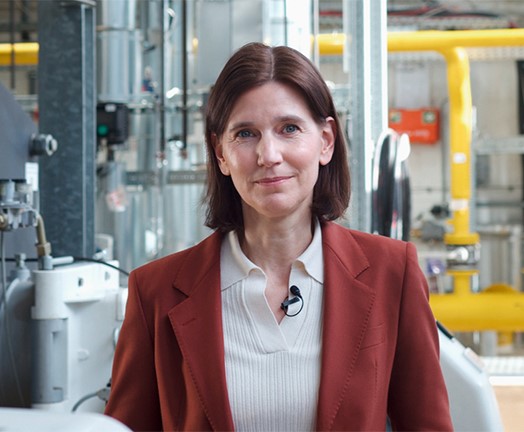
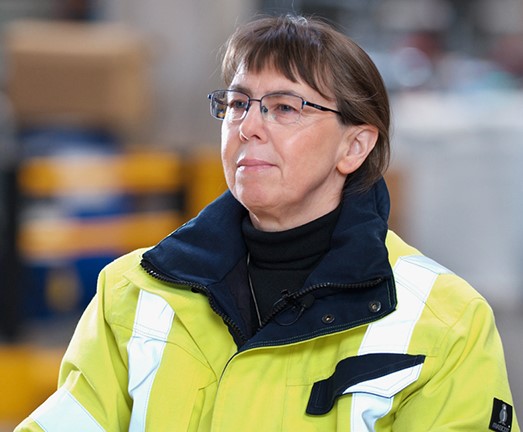
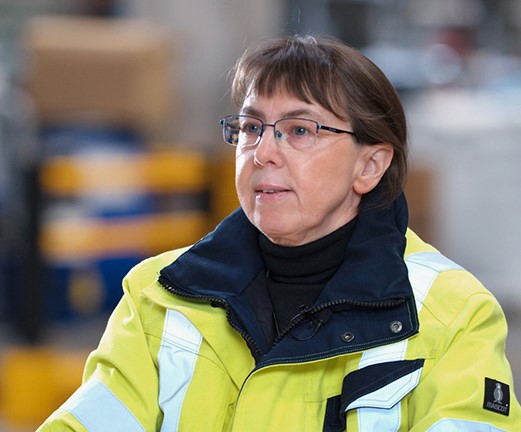
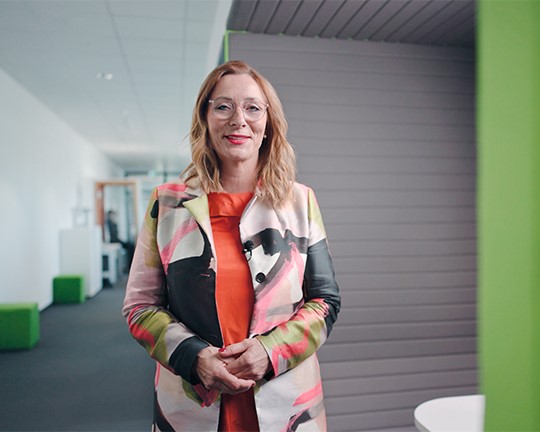
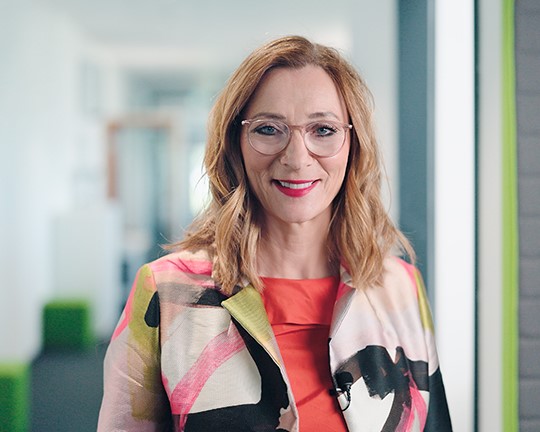
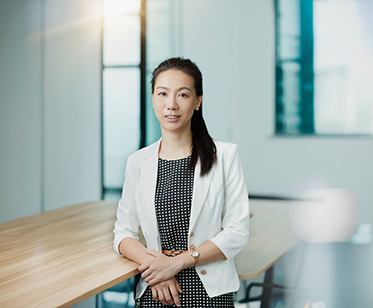
EHS Gamification: Dr. Anja Teske, Head of EHS Governance and Performance
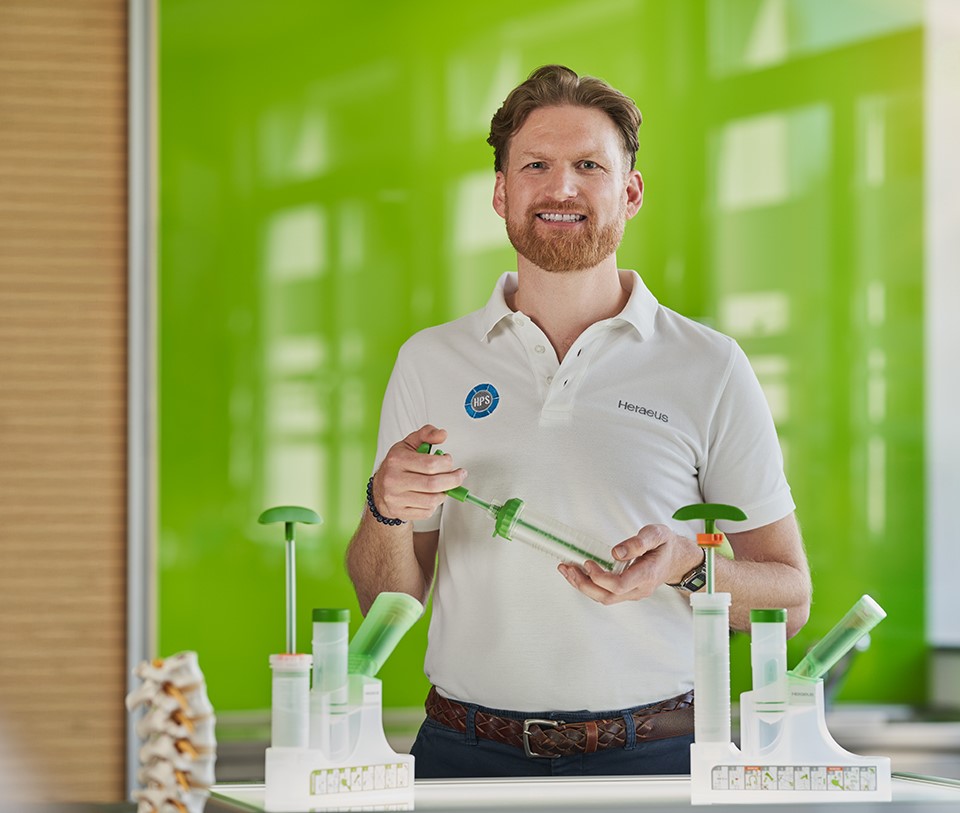
Have you ever told stories or opened the big game arena to really reach people? Anja has chosen exactly this path. Her training concept for greater safety in the workplace relies on experience rather than instruction. Read her story to find out why she is right on the money.
-
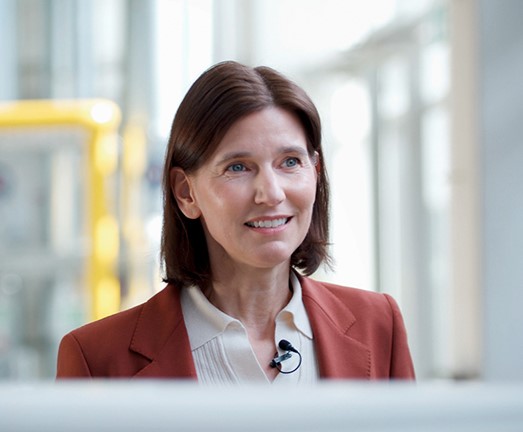
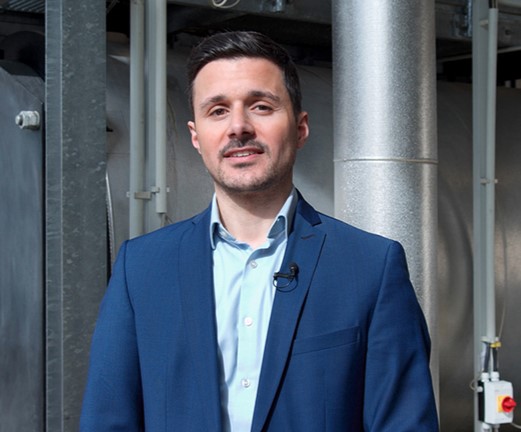
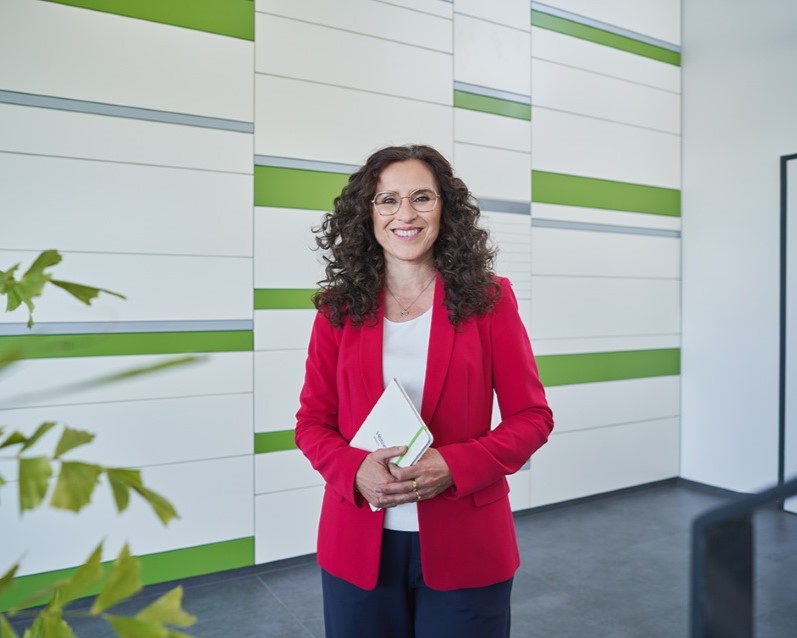
Who are you then: Dr. Martina Gieg, Chief Human Resources Officer & Member of Group Executive Leadership Team
Anyone who has wandered through the landscape of various companies in the consulting world will be familiar with this initial barrier of distance that must first be broken through. But is there another way? Find out how she cracked the code in Martina's story.
-
Silence or alarm: Dr. Anja Teske, Head of EHS Governance and Performance
Sometimes it takes the precision of a surgeon to communicate faulty working methods. The wrong tone of voice could create defensiveness. The right word, on the other hand, saves lives. Find out more from Anja about the art of communicating with sensitivity in our occupational safety department!
-
This certain moment: Dr. Martina Gieg, Chief Human Resources Officer & Member of Group Executive Leadership Team
Pling! Martina's plans for today? Perfectly timed. Everything crystal clear. And then that one moment when it becomes clear: everything is different than planned. How can a colorful mix of things become a productivity turbo? Read more!
-
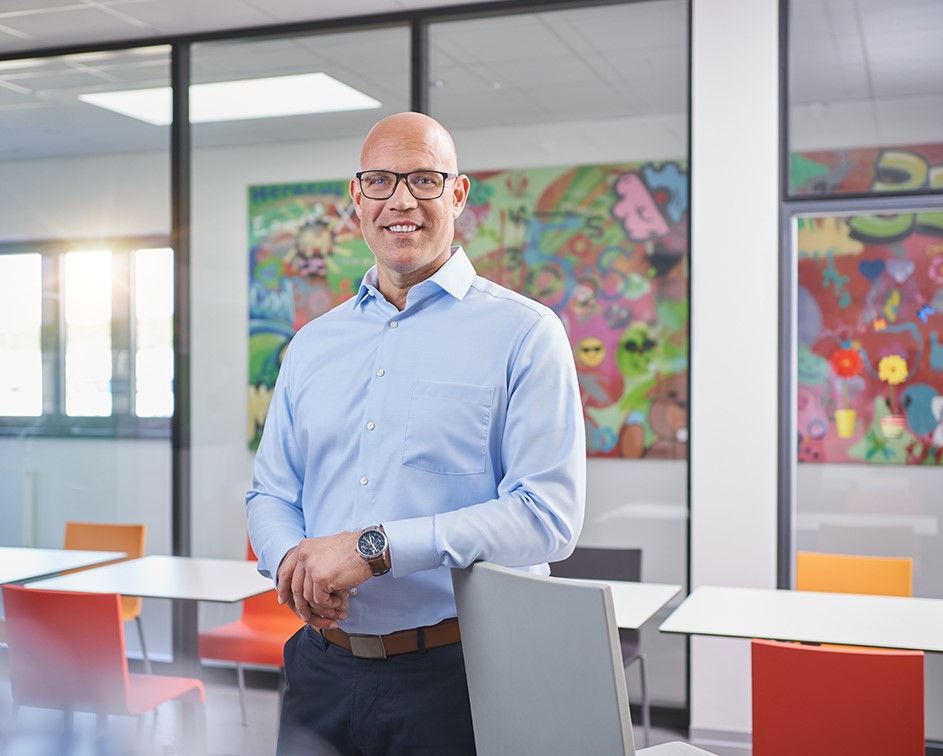
Job and jogging? Every step counts: Arthur Charlet, Head of Heraeus Medical; Co-President HME
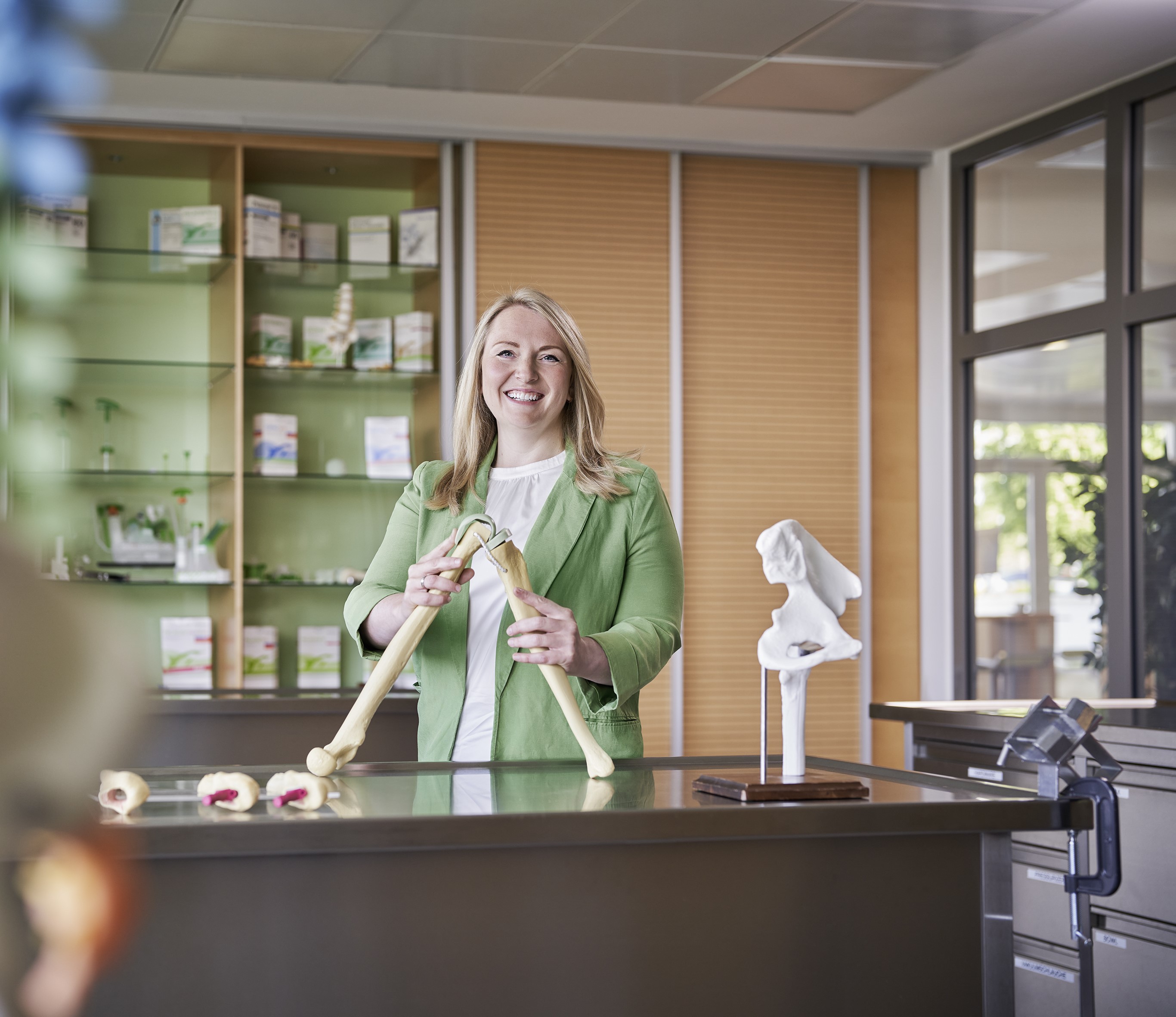
Can you hear that? It's the rhythm of your comfort zone. Pleasant, safe, but also frighteningly stationary - Arthur found this and turned his career path into his personal jogging route. Discover the amazing parallel between jogging shoes and paths to success in our story!
-
Click here for the sparring session: Arthur Charlet, Head of Heraeus Medical; Co-President HME
Jumping in at the deep end - most people are familiar with this moment. For Arthur, at least, it was a leap into a new job world with lightning-fast progress. Why sometimes the most uncomfortable moments hold the most valuable lessons - read the full story!
-
From zero to one hundred: Dr. Martina Gieg, Chief Human Resources Officer & Member of Group Executive Leadership Team
There are offices that are like blank slates. But don't be fooled, because a dynamic rhythm is already pulsating here. It is literally a green field with unimagined possibilities. Read what our Group People Officer has experienced on the playing field without pre-drawn lines!
-
Tough but lovely: Dr. Anja Teske, Head of EHS Governance and Performance
A near-accident. A statistic. Just a number on paper? Wrong. Behind every avoided accident are people who will be coming home from work tonight. Meet our audit manager Anja, who dares to take a different look!
-
Dent in the market: Arthur Charlet, Head of Heraeus Medical; Co-President HME
The engine of the automotive industry is sputtering. Arthur experienced this at our production sites at the time. Standing idle? Not an option. Only a gear change can catapult you forward and make the twist. Discover how a challenge gave rise to a completely new way of thinking.
-
-
-
-
-
-
-
-
-
-
Operations & Supply Chain at Heraeus Medical
Test description
-
-
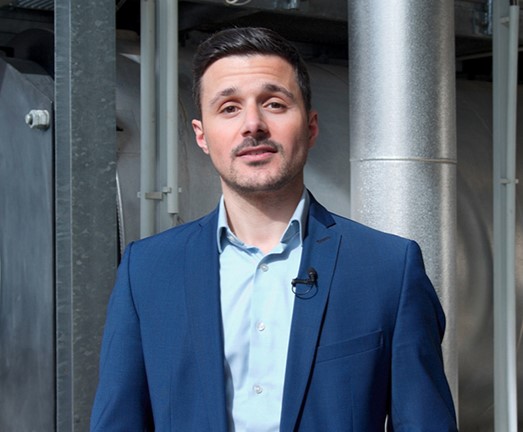
From the city to the countryside: Nicole Kietzmann, Controller & Team Lead Controlling Services
“Wehrheim? Seriously!” After completing her dual studies, Nicole nevertheless decided to move to a location that many people first have to google. Why? Because sometimes great happiness lies in small things. Read on to find out what tipped the scales in Nicole's job decision.
-
Life is like a box of chocolates: Elke Berndl, Senior HR Manager
Some jobs are more than just a career move. They combine everything you can do and love. That's how it was for Elke when she became HR Manager at Heraeus Medical. Immerse yourself in her personal story, in which she explains why HR is close to her heart.
-
I'm off then: Nicole Kietzmann, Controller & Team Lead Controlling Services
From zero to a hundred? Sometimes things turn out differently than you think. Nicole takes on full responsibility for production controlling in a crash course. Join her on her challenge, which culminates in a completely new concept for standard cost accounting and a foundation that still stands today.
-
Bold ideas for the future : Elke Berndl, Senior HR Manager
How does knowledge stick? What makes teams truly future-proof? Elke knows the answers. Instead of dry training sessions, she has introduced learning journeys, future skills tools, and interactive onboarding programs. Discover how Elke has created new formats that help people grow.
-
From solo to symphony: Tony Bui, Junior Product & Project Manager
What began as a side job while studying medical technology turned into a surprising career opportunity for Tony. Read his story to find out what a small card note and his passion for music have to do with his rapid development.
-
A bold change of roles: Martina Humez, Manager Medical Training
A bold step backward and yet forward: after years in management, Martina returned to science. What looked like a risk to some turned out to be a win - for her, the company, and the customers. Read how a change of roles became a personal triple win.
-
Where are your children now: Martina Humez, Manager Medical Training
Between bone cement and children's laughter – Martina proves that career and family are not mutually exclusive. She shows how both can be combined and how skeptical questions can be confidently refuted. Discover how she follows her path with passion and courage.
-
When work changes lives: Trang Funke, Brand Manager
Some career paths start quietly - yet have the potential to make a big impact. Whether in the laboratory or in medical technology, Trang has always been driven by the desire to make a difference with her work. Find out how responsibility has a double impact on her.
-
The Power of Authenticity: Tim Bächle, Sales Consultant
From clinical consultant to sales professional: For Tim, the change was a real challenge. But instead of hiding behind sales clichés, he focused on what really matters. Find out how he landed his first big deal for PalaJet®!
-
Stay Strong: Katharina Apitius, Head of Sales EMEIR
That's exactly how it happened: as the only woman among the CEOs of large US companies – and on top of that, in a tense market situation. Katharina stood her ground and ultimately even became the spokesperson for the group. Find out how courage can change more than you think.
-
Do you know Peter: Katharina Apitius, Head of Sales EMEIR
Does the power of human connections last forever? Almost. A chance conversation in the Jordanian desert leads to a moving reunion. Find out how Katharina brought Professor Ahmed and Swiss surgeon Peter back together on a business trip.
-
My path as a woman to the executive suite: Katharina Apitius, Head of Sales EMEIR
Rising to international leadership in a male-dominated field? Women have always pursued their career paths, and they continue to do so today. Read how Eastern Europe and Russia became a springboard for Katharina. Learn what perseverance and support can achieve in her story.
-
Mobility Makers: Christian Haug, Team Leader Quality Control / Powder & Accessories
Whether at the gym or at his grandfather's house, Christian has seen firsthand how Heraeus Medical products positively change lives. Today, he supports his team as a team leader in the laboratory. Find out now how he ensures that bone cement is not only tested, but also helps people get moving again!
-
Five areas. Five worlds: Oliver Brück, Head of Systems Engineering
Do you know that feeling? At first, you only see differences – seemingly insurmountable clashes between different mindsets. Old hands versus young talent, introverts versus extroverts. Find out how Oliver put the puzzle together to create a team that shines with diversity - just click here!
-
How we simply built our office ourselves: Timo Mack, Head of Production
An empty floor, a dreary room - but Timo had a vision: to set up an office from scratch that would enable agile working. Read how sprints, retros, and genuine team power were used to create spaces that connect people.
-
Servant Leadership: Timo Mack, Head of Production
From the laboratory to the heart of life. Timo has turned his back on experimenting for the sake of it and is now working on something bigger: enabling millions of patients to live a pain-free and mobile life again. See how he brings his best team recipe to life!
-
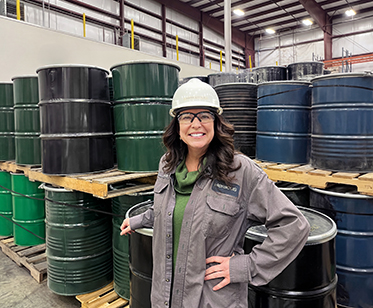
Playing through pain: Thembela Kwini, Chemical Process Operator
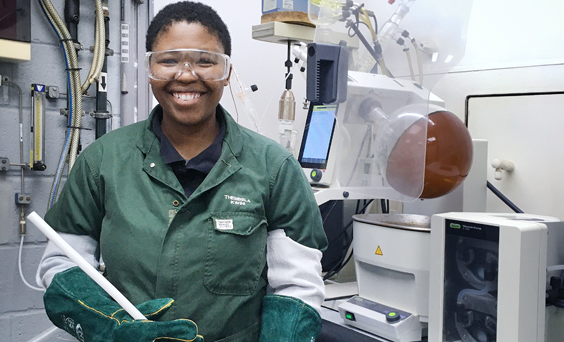
When grief finds its way into the workplace, compassion and humanity often become the strongest sources of support. Discover how Thembela faced one of her saddest moments – and how she stood by her team with strength and empathy during a time of deep sorrow.
-
-
Daring to Start Over at 30? Absolutely: Yingchun "Karen" Guo, HR Manager, Heraeus (China) Investment, Shanghai
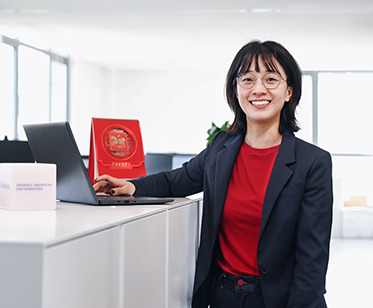
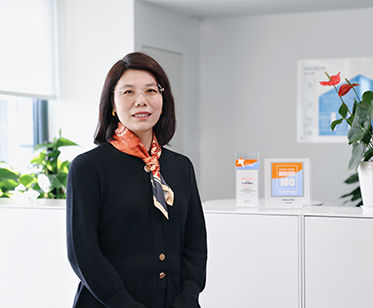
“I always admired those who could shape perspectives with their expertise – I just never imagined I could become one of them.” This realization sparked Karen’s journey from administration to a Project Coordinator at the Regional Center of Heraeus Greater China. Here’s how she got there.
-
Straight into a rocket launch and an Award as a Reward: Guifang "Karen" Wang, HR Manager C&B, Heraeus (China) Investment, Shanghai
Whether on the road or in a project, accelerating from zero to one hundred is a special feeling. It takes courage, stamina, and skill. These were exactly the strengths Karen brought into the large project team that developed the Competence Development House at Heraeus Electronics. This is the story of how her workplace became a space where visions can turn into reality.
-
Mission Impossible? Not at Heraeus: Rui "Angie" Wang, Business Application Consultant, Heraeus (China) Investment Co, Shanghai
Sometimes, it’s the quiet moments that matter the most. An email, a word of praise, and the realization that something great can emerge from a seemingly impossible task. Discover how “Angie” mastered a real project challenge – both professionally and personally.
-
Where chemistry meets people: Amit Kumar, Technical Manager, Heraeus Precious Metals
What happens when chemistry leaves the research lab and meets the real world ? For Amit, the answer lies on the production floor. At Heraeus, he combines scientific expertise with collaboration across teams to solve problems that matter. Every single day. Discover his story.
-
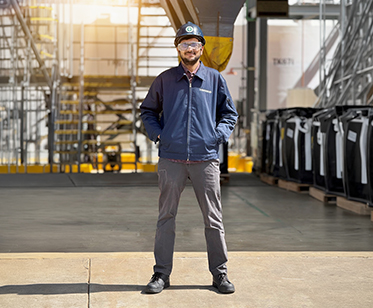
A truck. Eight flow bins. And I jumped for joy. Abbe Little, Smelting Sales Manager, Heraeus Precious Metals
Manufacturing sounds in the air. Forklifts lift multi-ton containers. As the first truck rolls onto the site in Wartburg, Abbe knows: We did it. But the story doesn’t begin here – It begins with a blank sheet of paper. Read on.





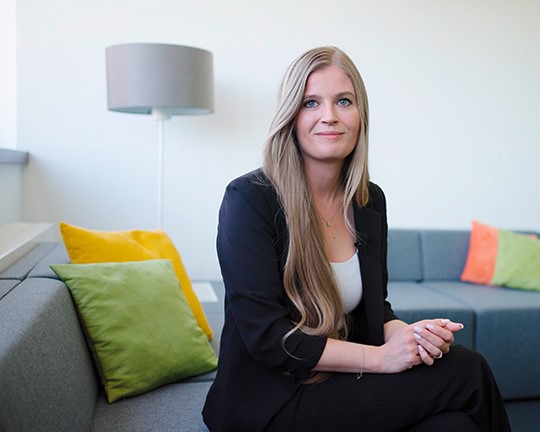
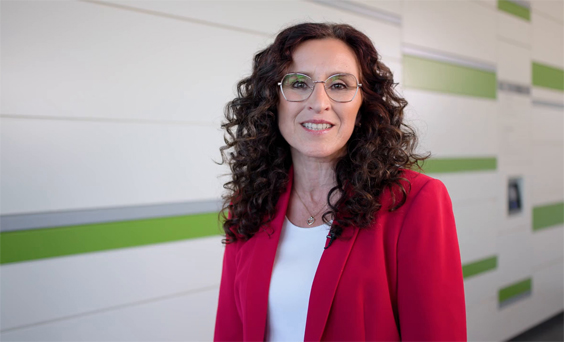
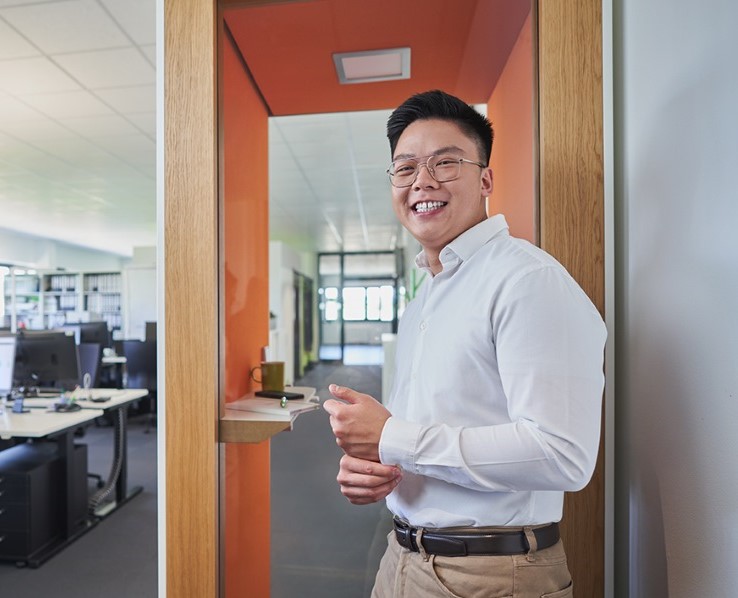
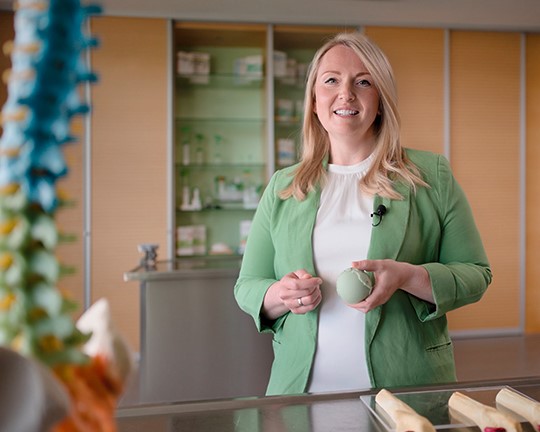

Stories 2 Col (Section 11)
Suggested Use: Use this section when you want to handpick via dropdown which pages to feature.
Lorem ipsum dolor
Lorem ipsum dolor sit amet, consectetur adipiscing elit. Sed do eiusmod tempor incididunt ut labore et dolore magna aliqua. Ut enim ad minim veniam, quis nostrud exercitation ullamco laboris. Nisi ut aliquip ex ea commodo consequat. Duis aute irure dolor in.
Stories 2 Col (Section 11a)
Suggested Use: Use this section when you want to handpick via Call Out Link which pages to feature.
Lorem ipsum dolor
Lorem ipsum dolor sit amet, consectetur adipiscing elit. Sed do eiusmod tempor incididunt ut labore et dolore magna aliqua. Ut enim ad minim veniam, quis nostrud exercitation ullamco laboris. Nisi ut aliquip ex ea commodo consequat. Duis aute irure dolor in.
-
Headline
Lorem ipsum dolor sit amet, consectetur adipiscing elit. Praesent eget consectetur augue. Nulla tempor viverra dignissim. Mauris nulla dolor, suscipit ac nisi et, luctus accumsan nisl. Vestibulum pulvinar dolor sed purus maximus, a interdum augue interdum
-
Headline
Lorem ipsum dolor sit amet, consectetur adipiscing elit. Praesent eget consectetur augue. Nulla tempor viverra dignissim. Mauris nulla dolor, suscipit ac nisi et, luctus accumsan nisl. Vestibulum pulvinar dolor sed purus maximus, a interdum augue interdum
Key Facts Number Spin (Section 12)
Suggested Use: N/A
Image Size and Quality: Users can upload icon images. Please resize images to fit this module.
Text Content:
- Thumbnail Alternative Text: Enter the numeric value in this field.
- Short Description: This serves as the title.
- Link Text: This field provides additional information about the module.
The module has been adapted for this use and to be dynamic, allowing all numbers to spin for one second upon scrolling.
Code Snippet:
- CMS - Section 12 - Intro Copy
Lorem ipsum dolor sit amet
-
Lorem 13 Lorem ipsum dolor sit amet Lorem ipsum dolor sit amet, consectetur adipiscing elit. Vivamus laoreet, purus sed viverra finibus, ligula sapien.

-
16 Lorem ipsum Lorem ipsum dolor sit amet, consectetur adipiscing elit. Vivamus laoreet, purus sed viverra finibus, ligula sapien.
-
90 Lorem ipsum Lorem ipsum dolor sit, , consectetur adipiscing elit. Vivamus laoreet, purus sed viverra finibus, ligula sapien.
Key Facts Number Spin - Medical (Section 12a)
Suggested Use: N/A
Image Size and Quality: Users can upload icon images. Please resize images to fit this module.
Text Content:
- Thumbnail Alternative Text: Enter the numeric value in this field.
- Short Description: This serves as the title.
- Link Text: This field provides additional information about the module.
The module has been adapted for this use and to be dynamic, allowing all numbers to spin for one second upon scrolling.
Code Snippet:
- CMS - Section 12 - Intro Copy
Lorem ipsum dolor sit amet
-
13 Lorem ipsum dolor sit amet Lorem ipsum dolor sit amet, consectetur adipiscing elit. Vivamus laoreet, purus sed viverra finibus, ligula sapien.

-
16 Lorem ipsum Lorem ipsum dolor sit amet, consectetur adipiscing elit. Vivamus laoreet, purus sed viverra finibus, ligula sapien.
-
90 Lorem ipsum Lorem ipsum dolor sit amet, consectetur adipiscing elit. Vivamus laoreet, purus sed viverra finibus, ligula sapien.
Multi Item (Section 21)
Suggested Use: Pages are selected using a Content Page Display module. Copy intro can be edited with WYSIWYG.
Headline (h2)
Lorem ipsum dolor sit amet, consectetur adipiscing elit. Vestibulum aliquet risus vitae ante tincidunt semper. Aenean laoreet, nibh et posuere egestas, orci neque gravida risus, non rhoncus nunc mauris ac enim.
-
Callout Link Text
Lorem ipsum dolor sit amet, consectetur adipiscing elit. Nulla bibendum sit amet ex iaculis ornare.
-
Callout Link Text
Lorem ipsum dolor sit amet, consectetur adipiscing elit. Nulla bibendum sit amet ex iaculis ornare.
-
Callout Link Text
Lorem ipsum dolor sit amet, consectetur adipiscing elit. Nulla bibendum sit amet ex iaculis ornare.
-
Callout Link Text
Lorem ipsum dolor sit amet, consectetur adipiscing elit. Nulla bibendum sit amet ex iaculis ornare.
-
Callout Link Text
Lorem ipsum dolor sit amet, consectetur adipiscing elit. Nulla bibendum sit amet ex iaculis ornare.
-
Callout Link Text
Lorem ipsum dolor sit amet, consectetur adipiscing elit. Nulla bibendum sit amet ex iaculis ornare.
Multi Item (Section 21a)
Suggested Use: Pages are selected using a Content Page Display module. Copy intro can be edited with WYSIWYG.
Headline (h2)
Lorem ipsum dolor sit amet, consectetur adipiscing elit. Vestibulum aliquet risus vitae ante tincidunt semper. Aenean laoreet, nibh et posuere egestas, orci neque gravida risus, non rhoncus nunc mauris ac enim.
-
Callout Link Text
Lorem ipsum dolor sit amet, consectetur adipiscing elit. Nulla bibendum sit amet ex iaculis ornare.
-
Callout Link Text
Lorem ipsum dolor sit amet, consectetur adipiscing elit. Nulla bibendum sit amet ex iaculis ornare.
-
Callout Link Text
Lorem ipsum dolor sit amet, consectetur adipiscing elit. Nulla bibendum sit amet ex iaculis ornare.
-
Callout Link Text
Lorem ipsum dolor sit amet, consectetur adipiscing elit. Nulla bibendum sit amet ex iaculis ornare.
Multi Item (Section 21b)
Suggested Use: Pages are selected using a Content Page Display module. Copy intro can be edited with WYSIWYG.
Headline (h2)
Lorem ipsum dolor sit amet, consectetur adipiscing elit. Vestibulum aliquet risus vitae ante tincidunt semper. Aenean laoreet, nibh et posuere egestas, orci neque gravida risus, non rhoncus nunc mauris ac enim.
-
Callout Link Text
Lorem ipsum dolor sit amet, consectetur adipiscing elit. Nulla bibendum sit amet ex iaculis ornare.
-
Callout Link Text
Lorem ipsum dolor sit amet, consectetur adipiscing elit. Nulla bibendum sit amet ex iaculis ornare.
-
Callout Link Text
Lorem ipsum dolor sit amet, consectetur adipiscing elit. Nulla bibendum sit amet ex iaculis ornare.
-
Callout Link Text
Lorem ipsum dolor sit amet, consectetur adipiscing elit. Nulla bibendum sit amet ex iaculis ornare.
-
Callout Link Text
Lorem ipsum dolor sit amet, consectetur adipiscing elit. Nulla bibendum sit amet ex iaculis ornare.
-
Callout Link Text
Lorem ipsum dolor sit amet, consectetur adipiscing elit. Nulla bibendum sit amet ex iaculis ornare.
-
Callout Link Text
Lorem ipsum dolor sit amet, consectetur adipiscing elit. Nulla bibendum sit amet ex iaculis ornare.
-
Callout Link Text
Lorem ipsum dolor sit amet, consectetur adipiscing elit. Nulla bibendum sit amet ex iaculis ornare.
Multi Item - Medical (Section 21c)
Suggested Use: No notes.
Code Snippet:
- CMS - Section 21 - Copy
Headline (h2)
Lorem ipsum dolor sit amet, consectetur adipiscing elit. Vestibulum aliquet risus vitae ante tincidunt semper. Aenean laoreet, nibh et posuere egestas, orci neque gravida risus, non rhoncus nunc mauris ac enim.
-
Callout Link Text
Lorem ipsum dolor sit amet, consectetur adipiscing elit. Nulla bibendum sit amet ex iaculis ornare.
-
Callout Link Text
Lorem ipsum dolor sit amet, consectetur adipiscing elit. Nulla bibendum sit amet ex iaculis ornare.
-
Callout Link Text
Lorem ipsum dolor sit amet, consectetur adipiscing elit. Nulla bibendum sit amet ex iaculis ornare.
-
Callout Link Text
Lorem ipsum dolor sit amet, consectetur adipiscing elit. Nulla bibendum sit amet ex iaculis ornare.
-
Callout Link Text
Lorem ipsum dolor sit amet, consectetur adipiscing elit. Nulla bibendum sit amet ex iaculis ornare.
-
Callout Link Text
Lorem ipsum dolor sit amet, consectetur adipiscing elit. Nulla bibendum sit amet ex iaculis ornare.
Multi Item - Medical (Section 21d)
Suggested Use: No notes.
Code Snippet:
- CMS - Section 21 - Copy
Headline (h2)
Lorem ipsum dolor sit amet, consectetur adipiscing elit. Vestibulum aliquet risus vitae ante tincidunt semper. Aenean laoreet, nibh et posuere egestas, orci neque gravida risus, non rhoncus nunc mauris ac enim.
-
Callout Link Text
Lorem ipsum dolor sit amet, consectetur adipiscing elit. Nulla bibendum sit amet ex iaculis ornare.
-
Callout Link Text
Lorem ipsum dolor sit amet, consectetur adipiscing elit. Nulla bibendum sit amet ex iaculis ornare.
-
Callout Link Text
Lorem ipsum dolor sit amet, consectetur adipiscing elit. Nulla bibendum sit amet ex iaculis ornare.
-
Callout Link Text
Lorem ipsum dolor sit amet, consectetur adipiscing elit. Nulla bibendum sit amet ex iaculis ornare.
-
Callout Link Text
Lorem ipsum dolor sit amet, consectetur adipiscing elit. Nulla bibendum sit amet ex iaculis ornare.
-
Callout Link Text
Lorem ipsum dolor sit amet, consectetur adipiscing elit. Nulla bibendum sit amet ex iaculis ornare.
-
Callout Link Text
Lorem ipsum dolor sit amet, consectetur adipiscing elit. Nulla bibendum sit amet ex iaculis ornare.
-
Callout Link Text
Lorem ipsum dolor sit amet, consectetur adipiscing elit. Nulla bibendum sit amet ex iaculis ornare.
Slider (Section 22)
Suggested Use: The slider module is not CMS-able. The content is located in the layout of the module and needs a developer update or add a new version.
-
Headline 1
Title 1
Lorem ipsum dolor sit amet, consectetur adipiscing elit. Nulla cursus, metus at sollicitudin tincidunt, eros lectus faucibus dui, vel pulvinar massa justo id mi.
-
Headline 2
Title 2
Lorem ipsum dolor sit amet, consectetur adipiscing elit. Nulla cursus, metus at sollicitudin tincidunt, eros lectus faucibus dui, vel pulvinar massa justo id mi.
-
Headline 3
Title 3
Lorem ipsum dolor sit amet, consectetur adipiscing elit. Nulla cursus, metus at sollicitudin tincidunt, eros lectus faucibus dui, vel pulvinar massa justo id mi.
-
Headline 4
Title 4
Lorem ipsum dolor sit amet, consectetur adipiscing elit. Nulla cursus, metus at sollicitudin tincidunt, eros lectus faucibus dui, vel pulvinar massa justo id mi.
Multi Item (Section 23)
Suggested Use: Pages are selected using a Callout Action Link module. Copy intro can be edited with WYSIWYG.
Headline (h2)
Lorem ipsum dolor sit amet, consectetur adipiscing elit. Vestibulum aliquet risus vitae ante tincidunt semper. Aenean laoreet, nibh et posuere egestas, orci neque gravida risus, non rhoncus nunc mauris ac enim.

Multi Item (Section 24)
Code Snippet: Section 24 - Image / Heading / Copy / CTA
Text Content: Use the WYSIWYG to add and edit text content
Headline (h2)
Title (h3)
Our activities as an employer are closely linked to the Heraeus vision. “We are powered by our people” is an established principle for us.
Learn moreTitle (h3)
Our activities as an employer are closely linked to the Heraeus vision. “We are powered by our people” is an established principle for us.
Learn moreTitle (h3)
Our activities as an employer are closely linked to the Heraeus vision. “We are powered by our people” is an established principle for us.
Learn moreTitle (h3)
Our activities as an employer are closely linked to the Heraeus vision. “We are powered by our people” is an established principle for us.
Learn moreMulti Item (Section 25)
Code Snippet: Section 25 - Icon / Headline / Copy / CTA
Text Content: Use the WYSIWYG to add and edit text content
Image Content: Use the WYSIWYG to add and edit IMAGE- icons—75px by 75px is the recommended size.
Code Snippet:
- CMS - Section 25 - Copy
- CMS - Section 25 - Item
Heading (h2)
Lorem ipsum dolor sit amet, consectetur adipiscing elit, sed do eiusmod tempor incididunt ut labore et dolore magna aliqua. Ut enim ad minim veniam, quis nostrud exercitation ullamco laboris nisi ut aliquip ex ea commodo consequat. Duis aute irure dolor in reprehenderit in voluptate velit.

Multi Item - Medical (Section 25a)
Code Snippet: Section 25 - Icon / Headline / Copy / CTA
Text Content: Use the WYSIWYG to add and edit text content
Image Content: Use the WYSIWYG to add and edit IMAGE- icons—75px by 75px is the recommended size.
Code Snippet:
- CMS - Section 25 - Copy
- CMS - Section 25 - Item
Heading (h2)
Lorem ipsum dolor sit amet, consectetur adipiscing elit, sed do eiusmod tempor incididunt ut labore et dolore magna aliqua. Ut enim ad minim veniam, quis nostrud exercitation ullamco laboris nisi ut aliquip ex ea commodo consequat. Duis aute irure dolor in reprehenderit in voluptate velit.
Slider (Section 26)
Suggested Use: The slider module is not CMS-able. The content is located in the layout of the module and needs a developer to update or add a new version.
Copy (Section 27)
Suggested Use: N/A
Text Content: Use the WYSIWYG to add and edit text content
Headline h2
Lorem ipsum dolor sit amet, consectetur adipiscing elit. Quisque at vulputate purus, sit amet sollicitudin ipsum. Phasellus vestibulum eros eu magna tristique faucibus vel sed ex. Maecenas condimentum mauris at dolor congue, at sollicitudin felis elementum. Fusce tempus ex nunc, sit amet feugiat nunc cursus sed. Praesent pharetra semper metus vel bibendum. In ipsum ligula, tempor id diam vel, hendrerit pharetra mauris. In maximus pulvinar mauris, ac bibendum nibh egestas ac. Integer et dui mi.
Sed pretium sapien in tellus lobortis, placerat facilisis lorem eleifend. Aenean luctus lacus augue, quis ultricies lectus lacinia eu. Pellentesque non malesuada metus, et pellentesque libero. Aliquam quis sapien erat. Vestibulum ut leo vitae felis euismod tempor. Duis quis dolor tellus. Morbi molestie nisl ac lacus dictum scelerisque. Pellentesque tempor, est at aliquet porttitor, diam dui elementum odio, quis pretium lorem dolor in erat. In pretium sit amet urna suscipit ornare.
Video Player (Section 28)
Suggested Use: N/A
Media Content: Use the Media module to update the video .
Image Only (Section 28)
Suggested Use: N/A
Media Content: Use the Media module to update the image.

Copy and Media (Section 30)
Suggested Use: Use the WYSIWYG to add and edit text content and use the media module to add an image or a video.
Callout Heading
Nulla erat urna, fringilla sit amet ultrices in, malesuada eu massa. Etiam rutrum ultricies nibh ac tincidunt. Duis et vehicula urna. Sed dapibus bibendum elit sed vehicula. Morbi vulputate in nibh condimentum blandit. Maecenas congue nisi ac tellus blandit fringilla.
Multi Item (Section 29)
Suggested Use: Use the WYSIWYG to add and edit text content for both intro and items
De...
-
Lorem ipsum dolor sit amet, consectetur adipiscing elit. Nulla auctor eros suscipit hendrerit viverra. Sed sit amet neque suscipit, varius leo vitae, viverra libero.
-
Lorem ipsum dolor sit amet, consectetur adipiscing elit. Nulla auctor eros suscipit hendrerit viverra. Sed sit amet neque suscipit, varius leo vitae, viverra libero.
-
Lorem ipsum dolor sit amet, consectetur adipiscing elit. Nulla auctor eros suscipit hendrerit viverra. Sed sit amet neque suscipit, varius leo vitae, viverra libero.
-
Lorem ipsum dolor sit amet, consectetur adipiscing elit. Nulla auctor eros suscipit hendrerit viverra. Sed sit amet neque suscipit, varius leo vitae, viverra libero.
-
Lorem ipsum dolor sit amet, consectetur adipiscing elit. Nulla auctor eros suscipit hendrerit viverra. Sed sit amet neque suscipit, varius leo vitae, viverra libero.
-
Lorem ipsum dolor sit amet, consectetur adipiscing elit. Nulla auctor eros suscipit hendrerit viverra. Sed sit amet neque suscipit, varius leo vitae, viverra libero.
Image and Copy (Section 32)
Code Snippet: Section 32 - Address List
Suggested Use: Use the WYSIWYG to add and edit text content.
Section Heading
Nullam id vestibulum lectus. Curabitur commodo posuere sapien, non vulputate lorem dapibus vitae. Fusce est ligula, tincidunt eget cursus vel.
-
Address Label
123 Name Street
-
Address Label
123 Name Street
-
Address Label
123 Name Street
Image and Copy - Medical (Section 32a)
Suggested Use: Use the WYSIWYG to add and edit text content.
Links added to this section will appear green, but not in WYSIWYG
Code Snippet:
- CMS - Section 32 - Copy and Green Button
- Section 32 - Address List
Section Heading
Nullam id vestibulum lectus. Curabitur commodo posuere sapien, non vulputate lorem dapibus vitae. Fusce est ligula, tincidunt eget cursus vel.
-
Address Label
123 Name Street
-
Address Label
123 Name Street
-
Address Label
123 Name Street
Slider (Section 33)
Suggested Use: The slider module is not CMS-able. The content is located in the layout of the module and needs a developer to update or add a new version.
Headline (h2)
Lorem ipsum dolor sit amet, consectetur adipiscing elit. Maecenas gravida nisl quis finibus aliquet. Mauris vitae purus porta erat condimentum eleifend. Aenean id augue tempus, lobortis nibh eget, molestie leo. Nullam vestibulum tincidunt sapien vitae vulputate. Aenean pharetra eros vel leo vehicula sagittis. Vestibulum convallis magna quis sapien egestas, et blandit massa aliquam. Praesent posuere nisi eget sapien ullamcorper, in interdum urna ultricies.
Sub-headline
Sub-headline
Sub-headline
Sub-headline
Sub-headline
Sub-headline
Sub-headline
Sub-headline
Related Content Bg White-Blue (Section 10)
Suggested Use: Use this section when you want to handpick which pages to feature in the related content section.
Lorem ipsum dolor
Lorem ipsum dolor sit amet, consectetur adipiscing elit, sed do eiusmod tempor incididunt ut labore et dolore magna aliqua. Ut enim ad minim veniam, quis nostrud exercitation ullamco laboris nisi ut aliquip ex ea commodo consequat. Duis aute irure dolor in reprehenderit in voluptate velit esse cillum dolore eu fugiat nulla in culpa qui officia deserunt mollit anim id est laborum. a commodo consequat.
Note To Developer: Please include documentation for this section!